Home » Video Tutorials » CAT4 and Cat5 Principal Dashboard Videos

CAT4 and Cat5 Principal Dashboard Videos

Get to know our Cat4/Cat5 Principal dashboard tools and how they can help you manage teacher accounts and view assessment progress. These videos will show you how to navigate the dashboard, customize assessment access for teachers, and use the data to support administration.

  • 0:28
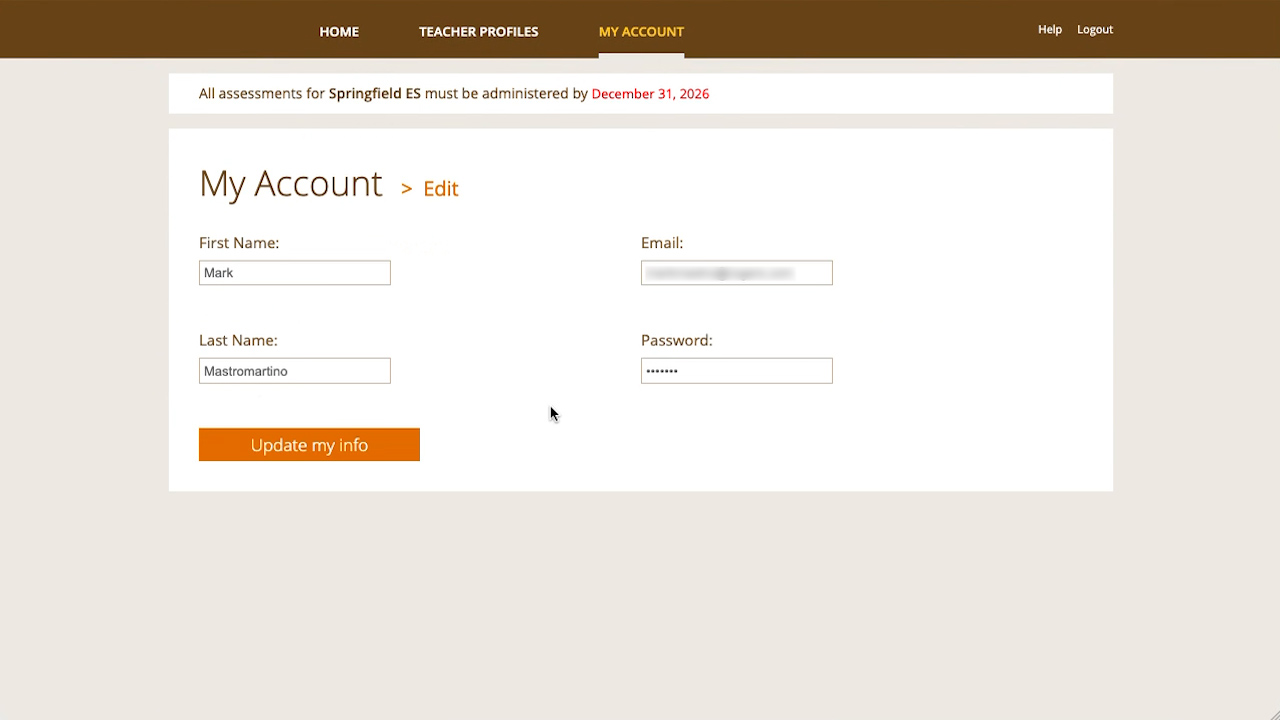
    How to edit a user account
    This video shows how to make changes to the user information in the Principal Dashboard.
  • 0:58
    How to create a Teacher Profile
    This video shows how to create a Teacher Profile for each teacher or administrator at your school who will administer the online test(s)
  • 0:44
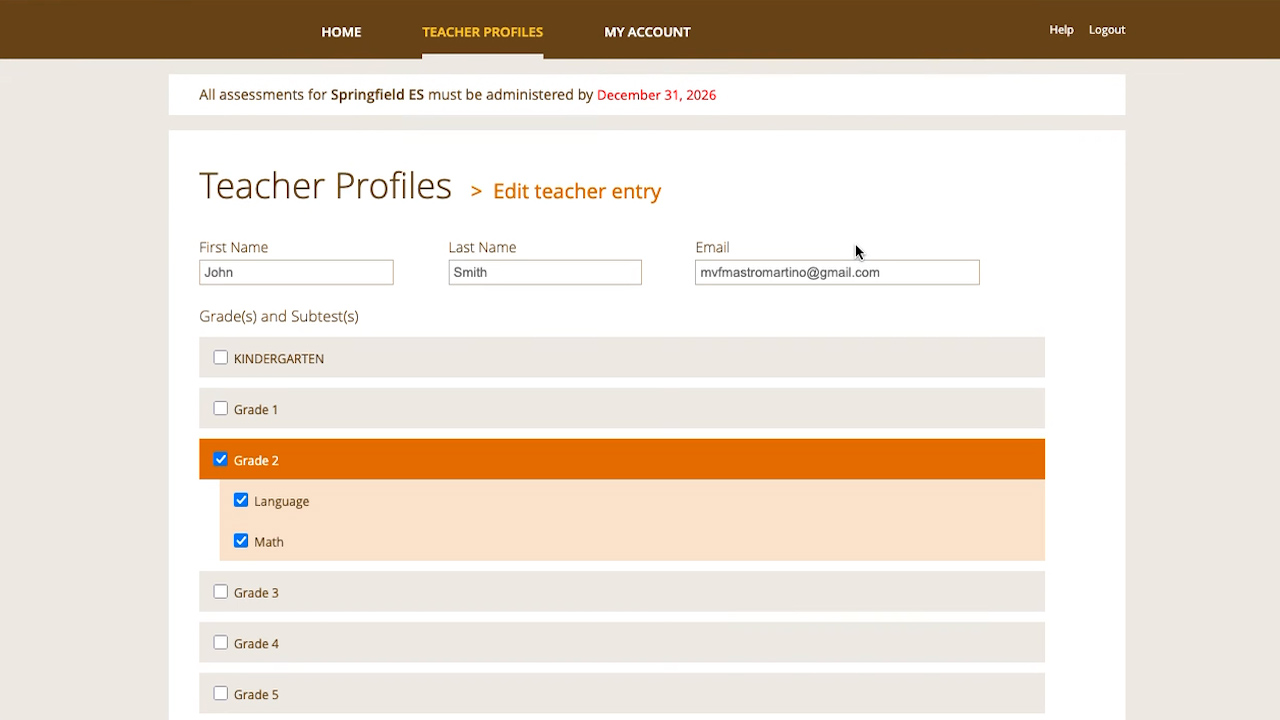
    How to edit a Teacher Profile
    This video shows how to make changes to the Teacher Profile that was created.
  • 1:43
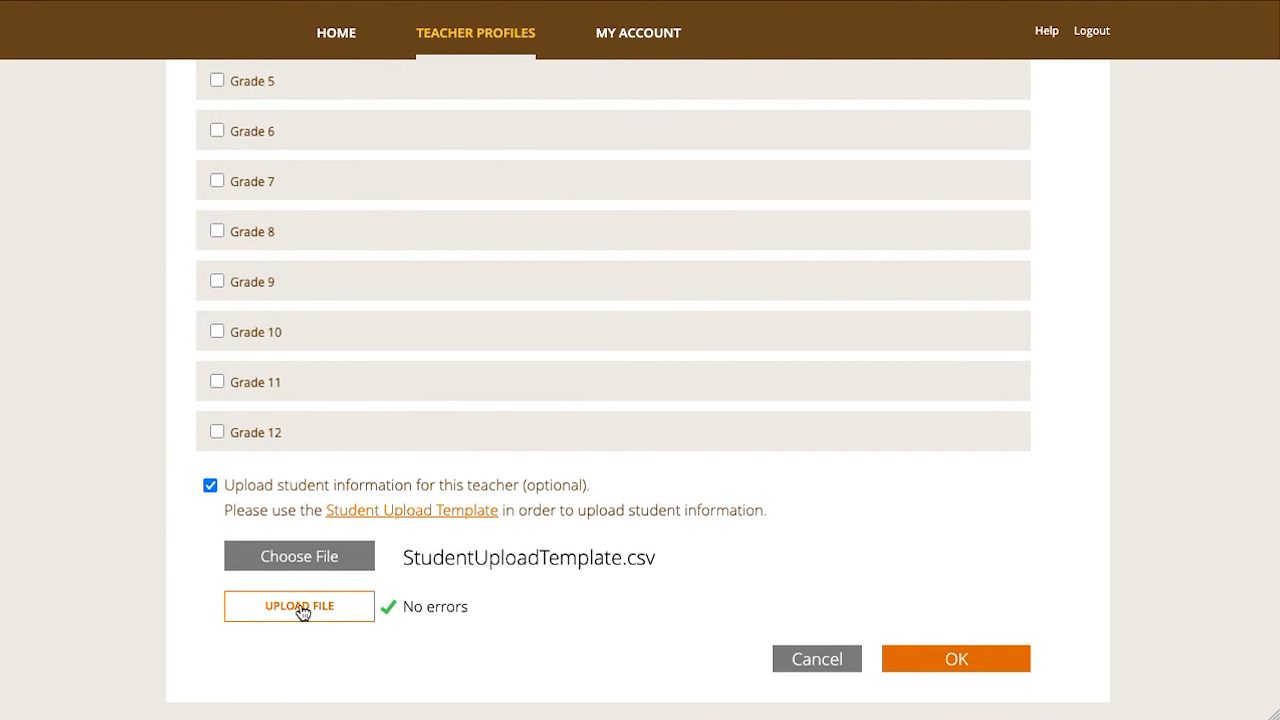
    How to add student data
    This video shows how to add student data to each Teacher Profile that exists in the Principal Dashboard.
  • 1:01
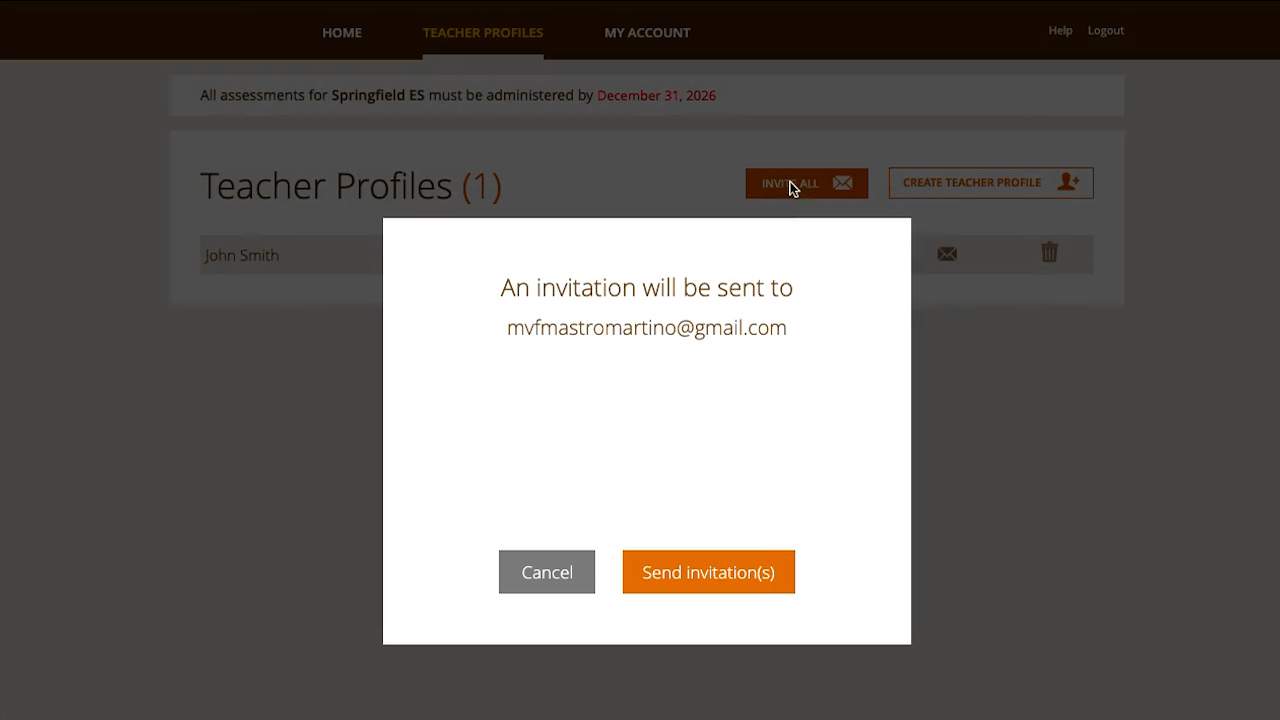
    How to send or resend Teacher Dashboard invitations
    This video shows how to send or resend Teacher Dashboard invitations to all existing teacher accounts