Home » Video Tutorials » CAT4 and Cat5 Student Interface Videos

CAT4 and Cat5 Student Interface Videos

The videos below help you to understand how students will access and complete their assessment(s) assigned by their teacher. There are also video tutorials on how students will use the built-in tools for various Mathematics subtests.

  • 0:56
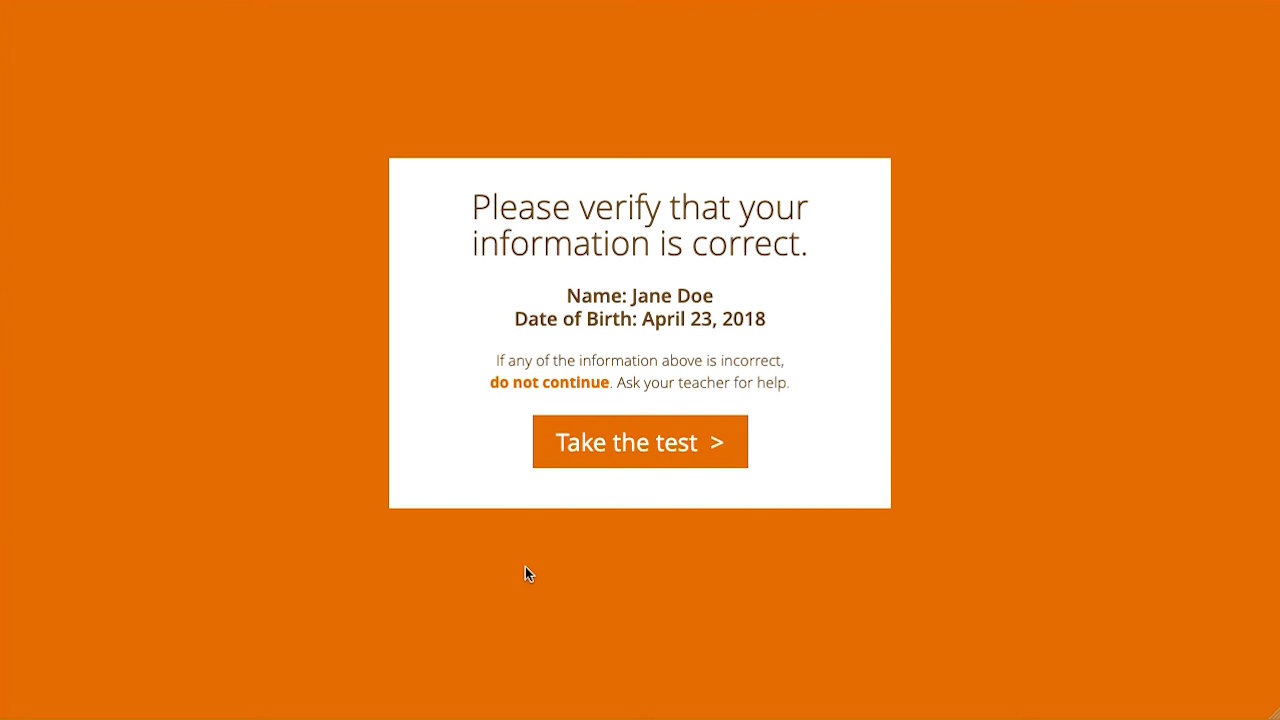
    How to access a test
    This video shows how a student will access a test.
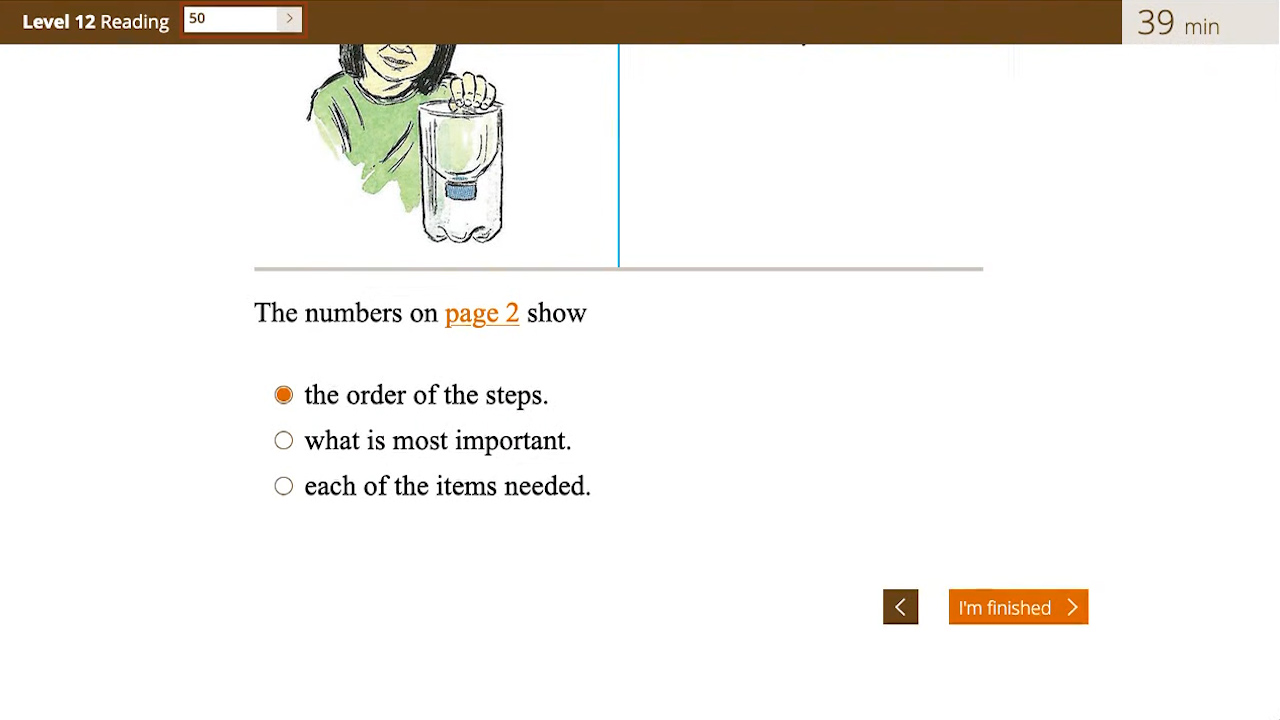
  • 0:58
    How to submit a test
    This video shows how a student will submit a test.
  • 2:38
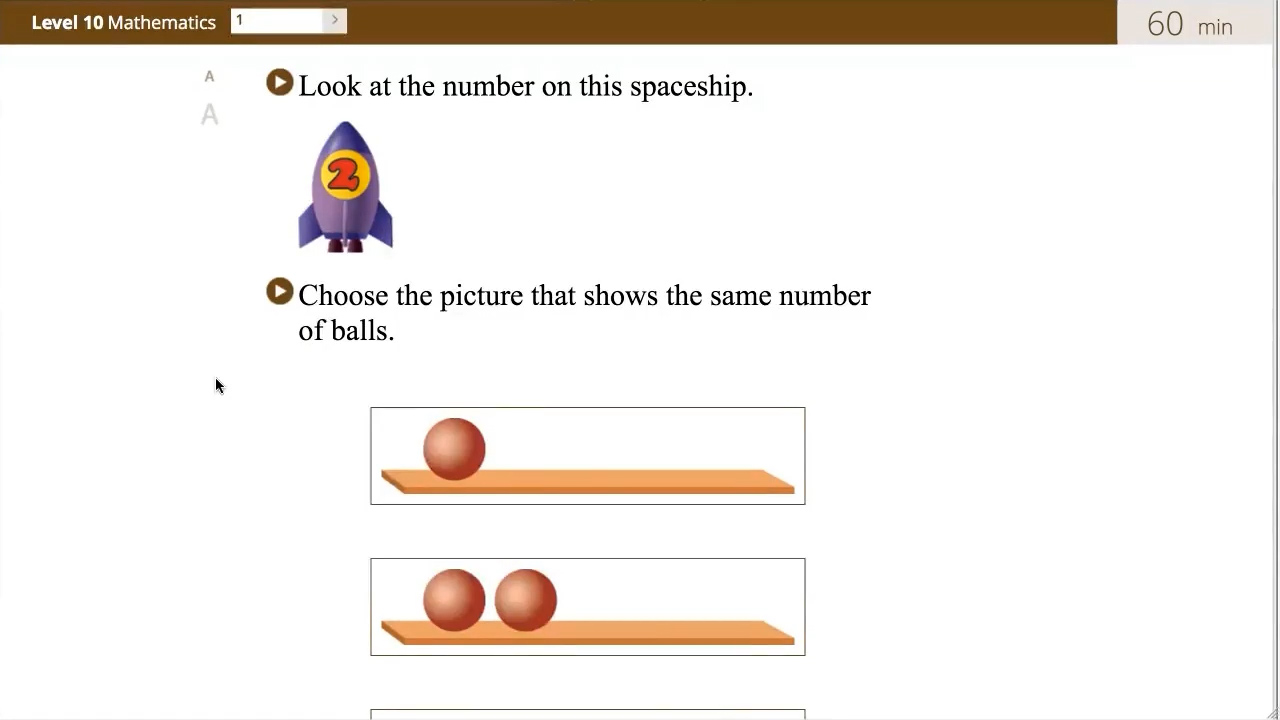
    How to play the audio clips in the subtest
    This video shows how the student will play the audio clips for access to text-to-speech.
  • 1:41
    Sample walk-through instructions
    This is a sample video showing the walk-through instructions that a student will see at the beginning of the test.
  • 2:00
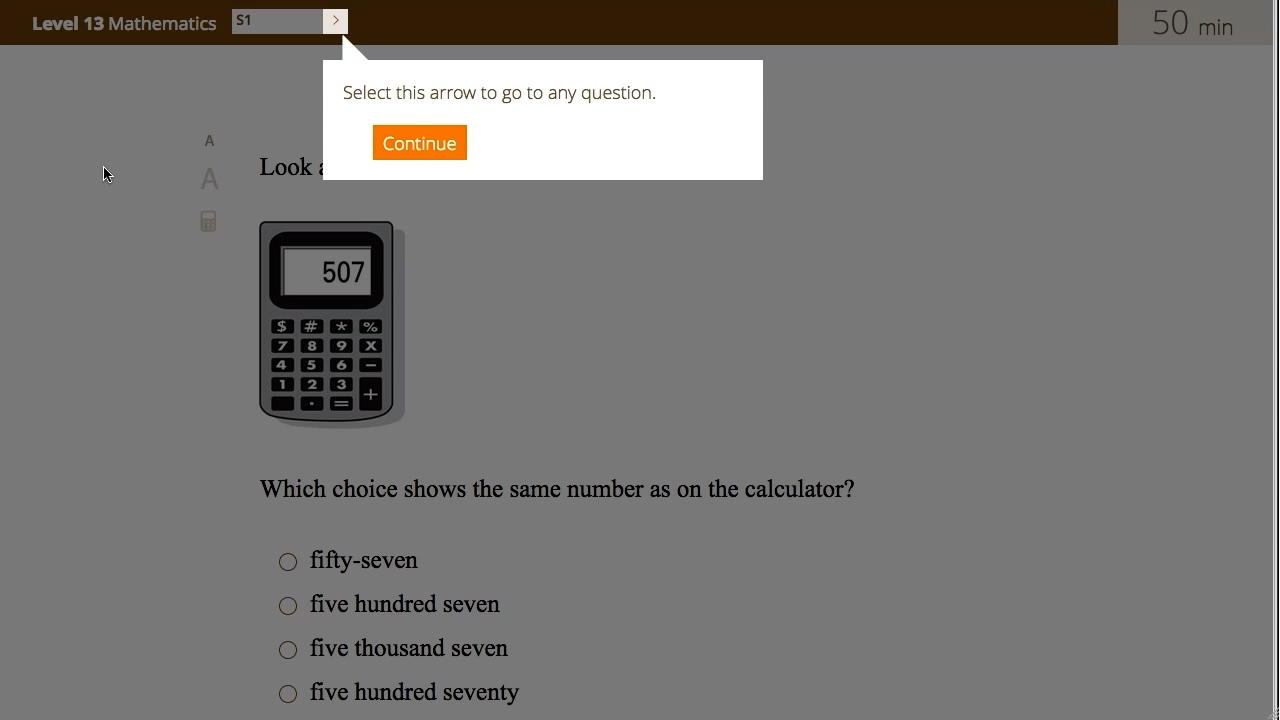
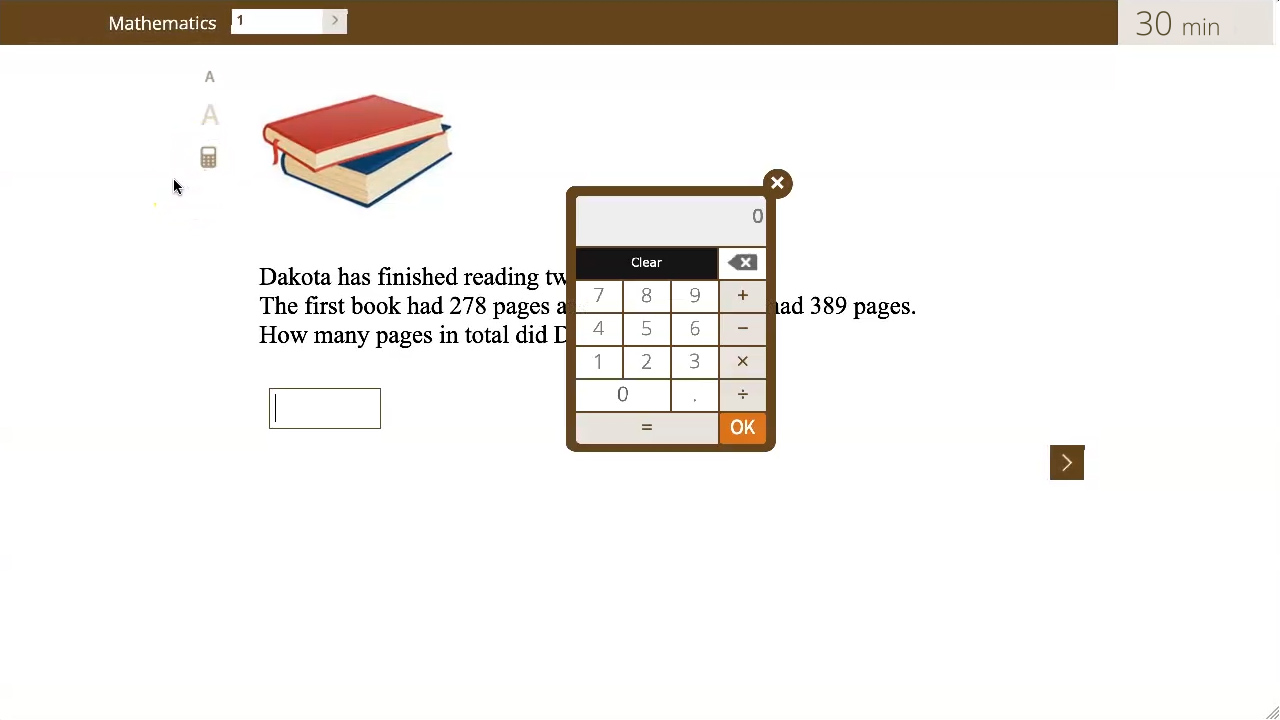
    How to use the calculator tool
    This video shows how a student will use the built-in basic calculator for the Mathematics subtests (Used for CAT4 Lv14-19 and Cat5 Lv13-19).
  • 1:26
    How to answer fill-in-the-blank questions using the keypad (Fractions example)
    This video shows how a student will use the built-in pop-up keypad that appears from the bottom of the screen to input a fill-in-the-blank response in Mathematics subtests.
  • 1:35
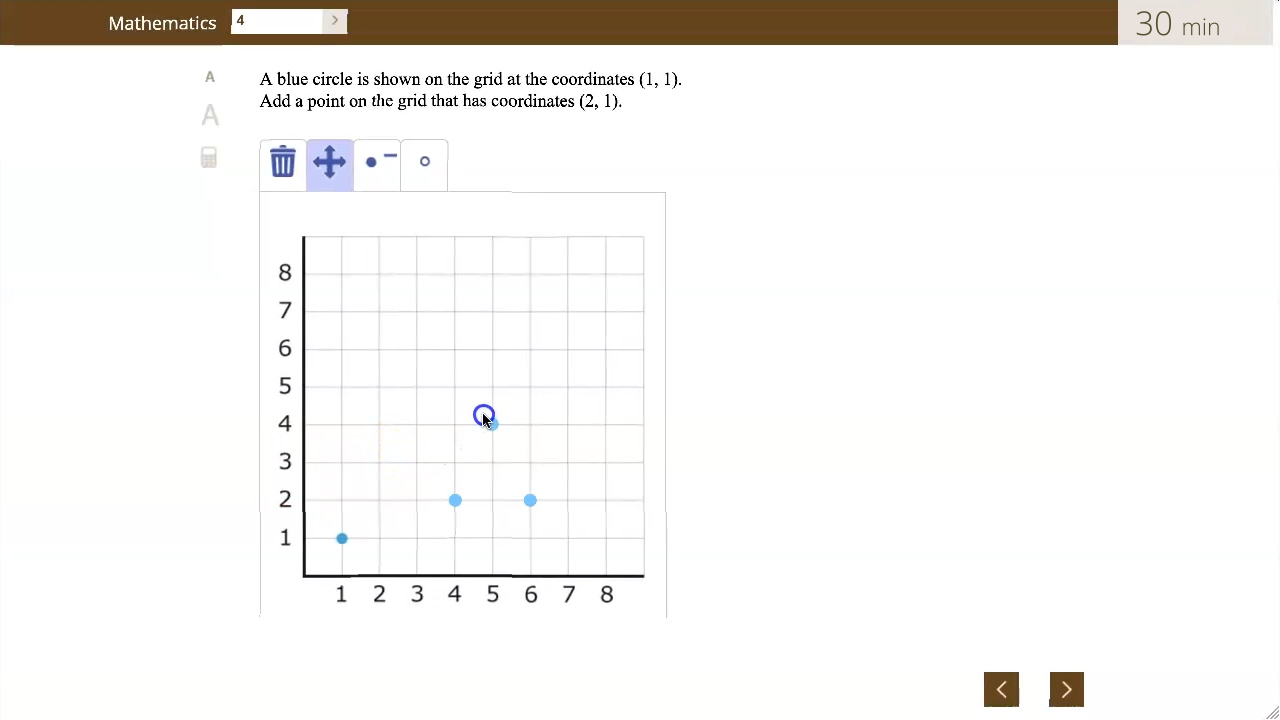
    How to place points on a plot
    This video shows how a student will place points on a plot for Mathematics subtests (Used for Cat5 Lv14).
  • 0:57
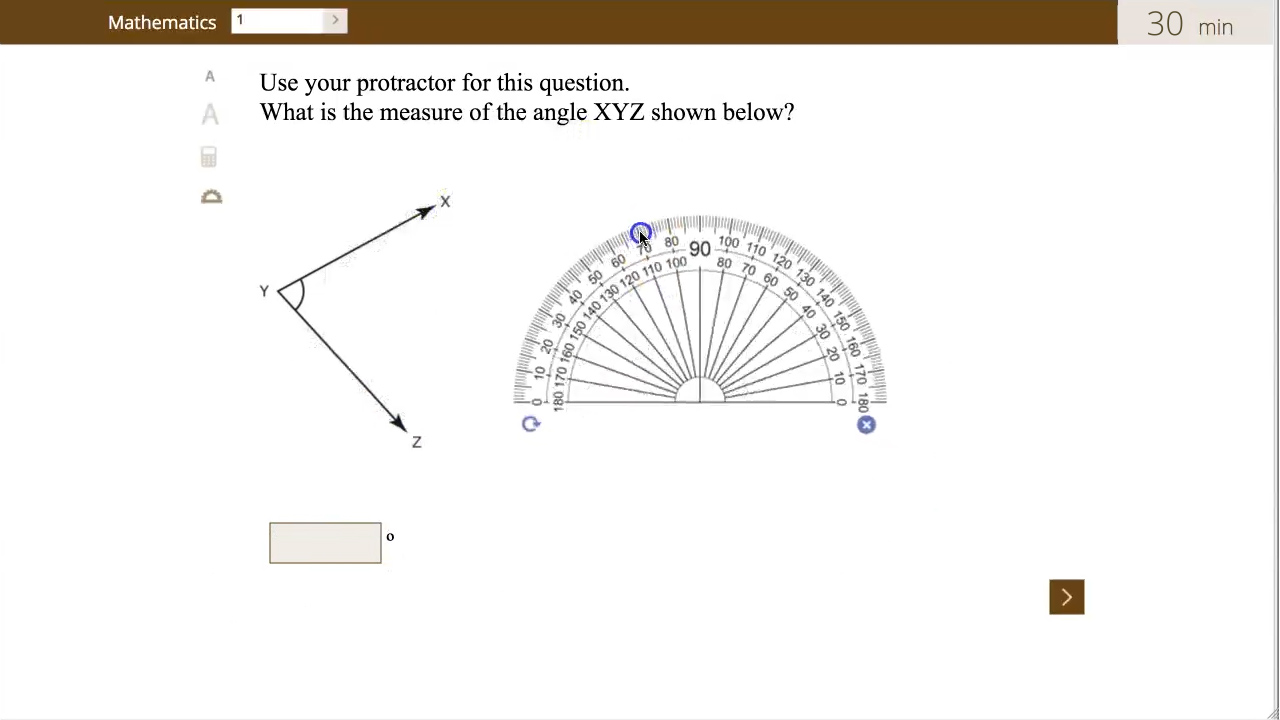
    How to use the protractor tool
    This video shows how a student will use the built-in protractor tool for the Mathematics subtests (Used for CAT4 Lv16-19 and Cat5 Lv15-16).
  • 0:57
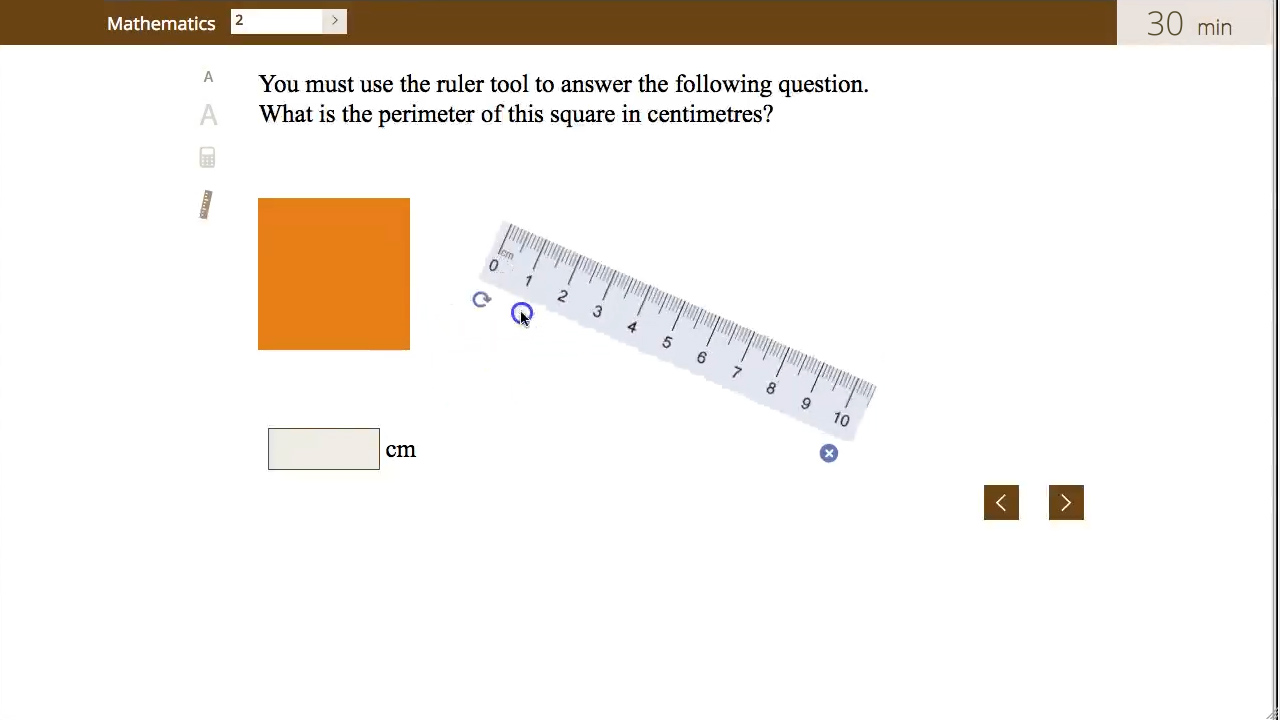
    How to use the ruler tool
    This video shows how a student will use the built-in ruler tool for the Mathematics subtests (Used for CAT4 Lv14-15 and Cat5 Lv16).